AnimLab
AnimLab is my attempt at making a premium-quality software suite that can contend with industry giants like Toon Boom Harmony, but either free or (for the later extended edition) very low-cost. Donations will be going toward paying cert fees for windows and mac development, but are not at all required. Just appreciated, haha.
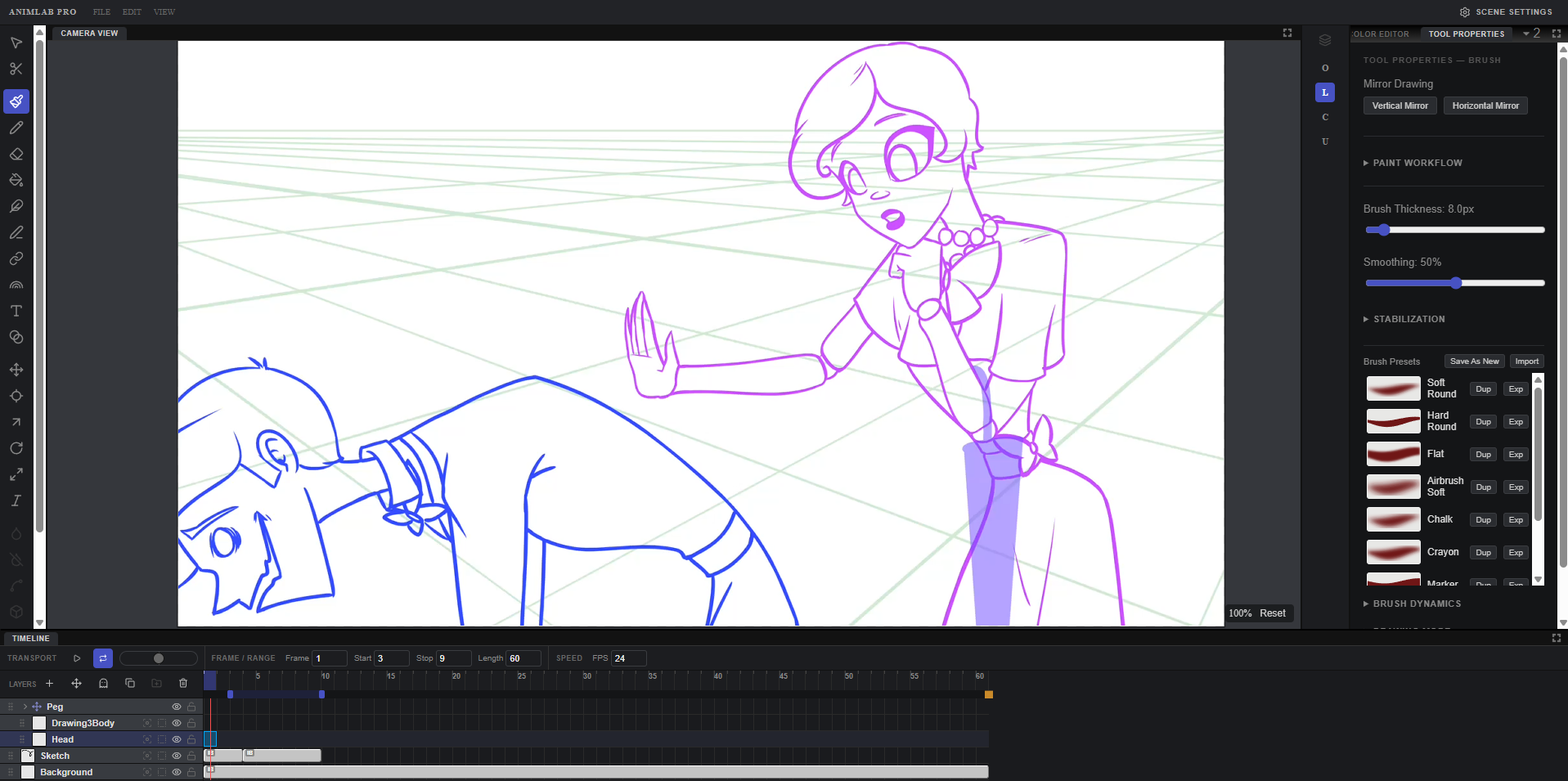
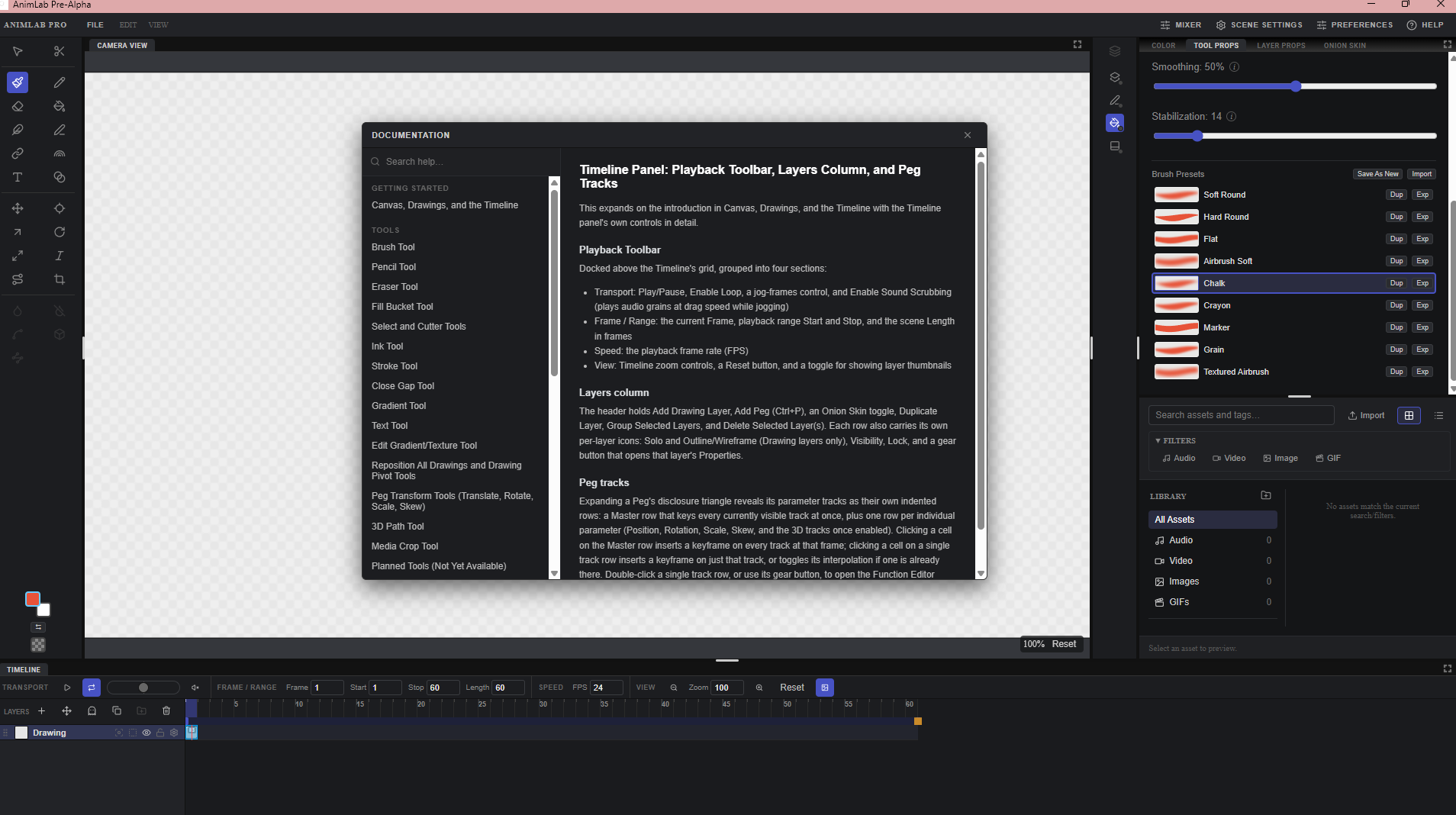
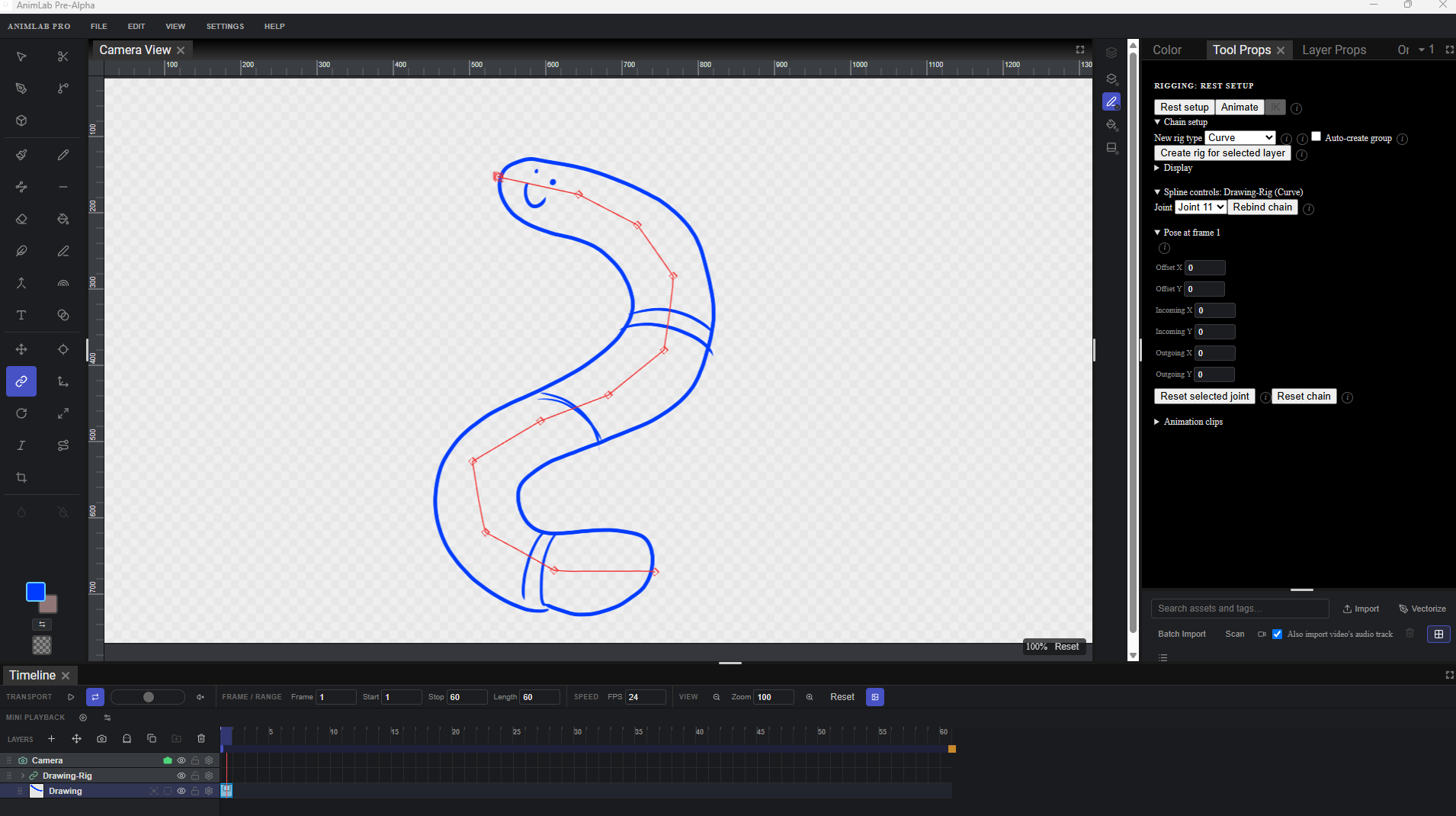
AnimLab hosts all sorts of tools for drawing/painting/rendering your work, and supports pen pressure and touch. Tools can be heavily customized. It also supports layers, a peg system with various transform tools, full rigging, node graph, effects, a heavily customizable timeline, and numerous export settings. Character rigging is now in too, so you can attach bones, curves, and other deformers to your drawings and pose them rather than redrawing every frame. It also has onion skin and other supporting tools specific to animation processes. You can import various media, with vectorization at the touch of a button, a proper audio mixer, and scanner importing.
This is still in the works, and relies very much on testing and feedback. Please keep in mind there may be buggy bits or unfinished elements, but it should be fully usable in creating quality animated work.
Downloads are here!
Alongside the browser demo, you can now download desktop builds for Windows, macOS, and Linux. We also have a new Android downloadable build. The desktop version is full native performance, and video export now works on both desktop and Android (browsers still can't run the video encoder AnimLab needs).
The browser version above is still here for anyone who just wants to try the tools without downloading anything.
About security warnings:
Since these builds aren't signed with a paid certificate yet (that costs money and I don't have those funds yet), Windows SmartScreen and macOS Gatekeeper will probably throw a warning when you first open it (something like "unrecognized publisher" or "can't be opened"). Click through it (Windows: "More info" > "Run anyway"; Mac: right-click the app > "Open" instead of double-clicking). We'll get proper signing sorted once there's budget for it. If you have real concerns, just throw it at a virus checker.
Known Issues:
- Some of the panels are a bit awkward and are still being worked on and polished
- Some of the tools have crappy icons until I can get proper, nice ones made.
- If you're having any issues, use the shortcut Ctrl+Shift+D in the app to get a diagnostic report and post it with your bug report, along with whatever the issue was.
- Windows/macOS builds are unsigned, so you'll see a security warning on first launch. See above, it's safe to proceed.
- While compatible with Ipad, Apple has an ugly gate that requires a developer fee of at least $100/year to ship to Ipad. If and when I get the funds, either by donation or personal means, I will pay this. But understand I'm a full-time student and I am not looking to make any money off this app, so it may take a bit.
- Video export currently supports MP4 and PNG sequences, on both desktop and Android. More formats are planned.
Looking for a free Storyboard App?
Check out my other project, Scriptboard. Designed with the same premier goals and intended to compete against the likes of Storboard Pro and other industry giants!
Download
Click download now to get access to the following files:
Development log
- AnimLab Update v1.0.45 days ago
- AnimLab Update v1.0.323 days ago
- AnimLab Update v1.0.229 days ago